Getting Started with Adobe InDesign Server: Download and Installation Instructions
Estimated Reading Time: 1 MinutesHow to download the latest version of IDS
- Connect to sftp://ftp.datalogics.com using an FTP client (port 22) or to https://ftp.datalogics.com using a browser.
- Login using the Datalogics provided username and password.
The username and password are provided during the initial account setup. If these credentials are unavailable, contact Datalogics Support at tech_support@datalogics.com
to request FTP login information. -
Once logged in, go to directory /Products/InDesign/[Platform]/[License Type]/.
The InDesign Server installation package is delivered as a ZIP file for Windows and a PKG file for Mac.
How to install IDS
Unpack the ZIP or PKG file and double click on the installer file
- On Windows, look for the setup.exe file
- On Mac , look for the ...installer.pkg file
Note that in contrast to earlier versions of InDesign Server that required Adobe-issued activation numbers, the license file is now included in the installation package and applied automatically. The software is activated as part of the installation process. An internet connection is required for installing InDesign Server, but is not needed for normal operations.
After the installation completes, perform a quick test to verify that InDesign Server is functioning properly.
Go to the default IDS installation directory at C:\Progam Files\Adobe\InDesign Server 20xx\ and open a console window and type: InDesignServer -port 12345
The console will show the product version along with messages indicating that the application is running. 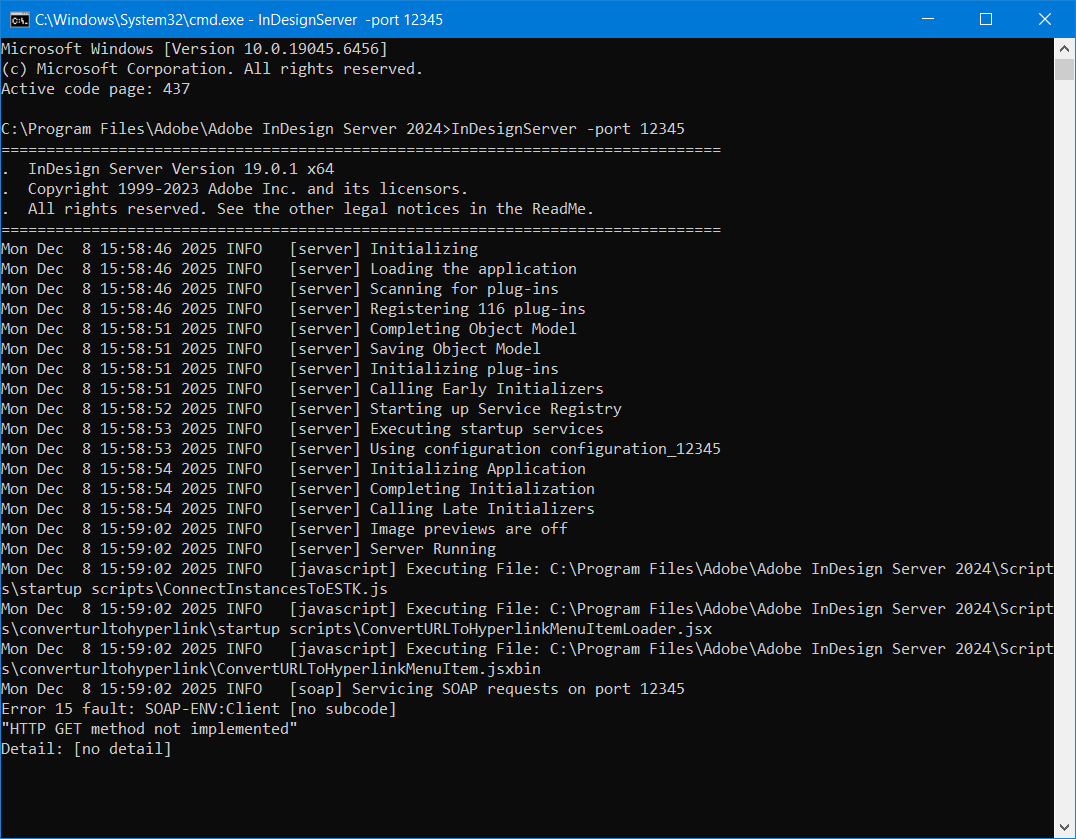
Once InDesign Server is running, the following message appears on the console: Servicing SOAP request on port 12345
IDS is ready to receive a job request on SOAP port 12345.
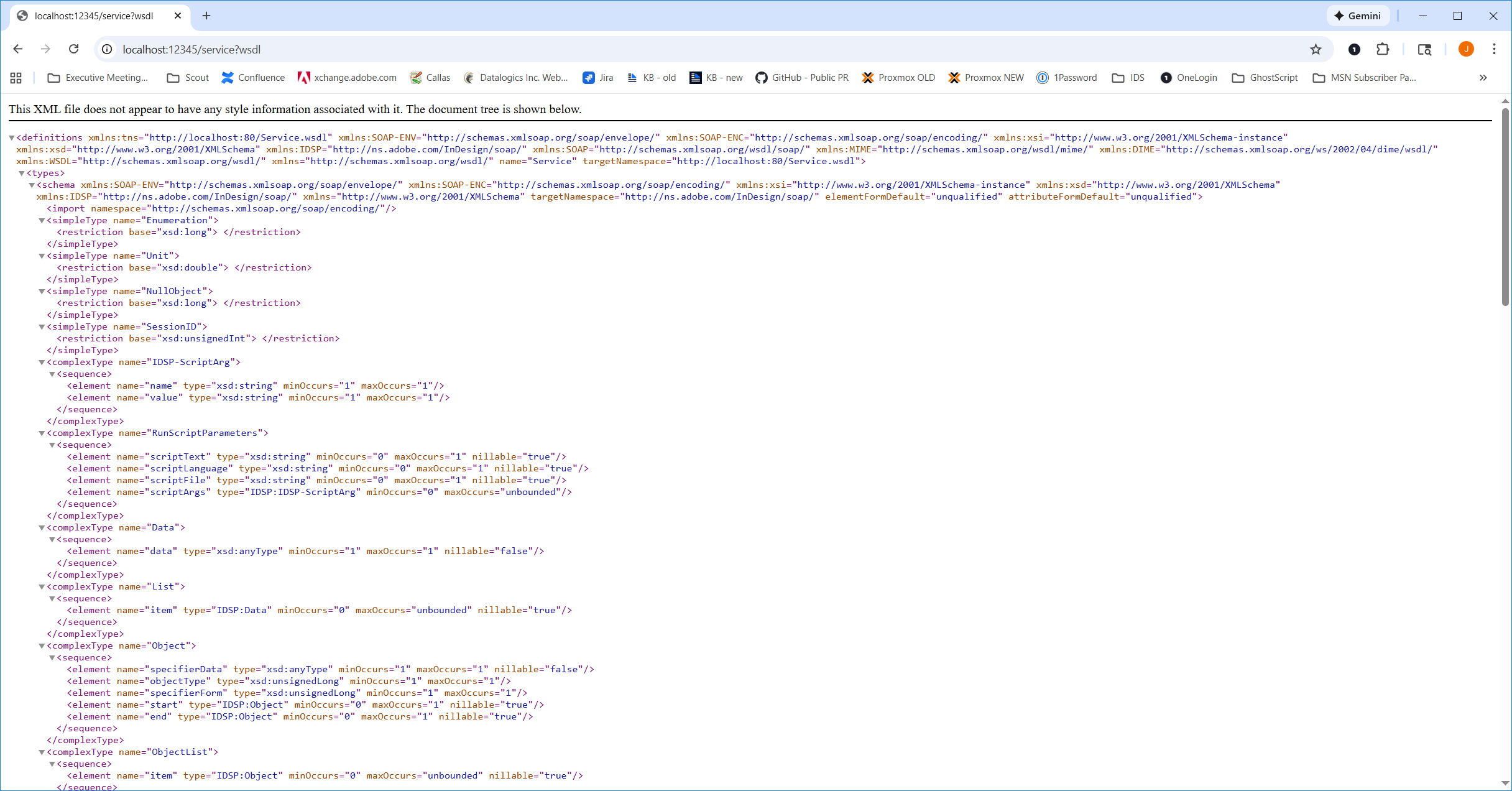
InDesign Server responsiveness to SOAP requests can also be verified by navigating to: http://localhost:12345/service?wsdl
This will respond with service definitions: